Weik
The alarm you can’t snooze.
An alarm that keeps ringing until you prove you’re awake with a quick challenge: math, a typed phrase, or one of ten minigames.
- Alarm · Utilities
- iPhone, iOS 26.1 or later
- No snooze, 12 challenges, Lock Screen widget
Weik is the alarm for people who hit Stop and fall straight back asleep. When it rings, Stop only pauses it. Moments later it rings again, and it keeps doing that until you finish a challenge inside the app.
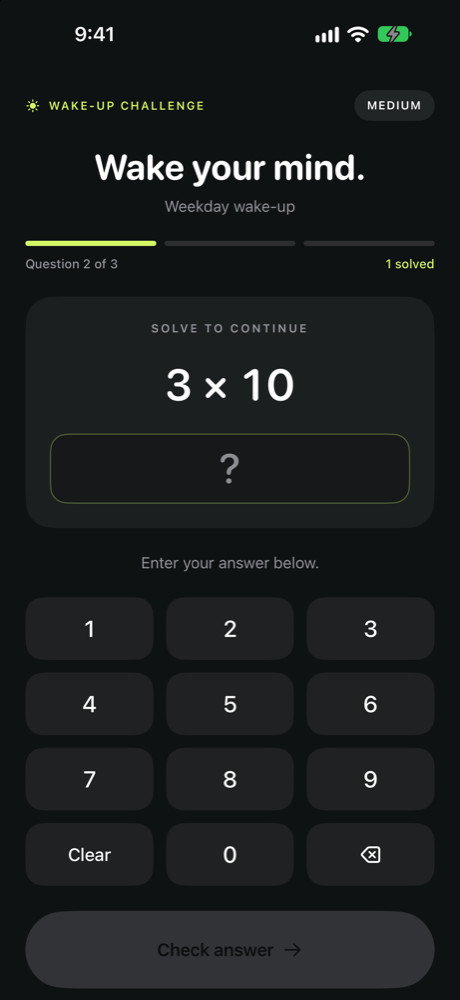
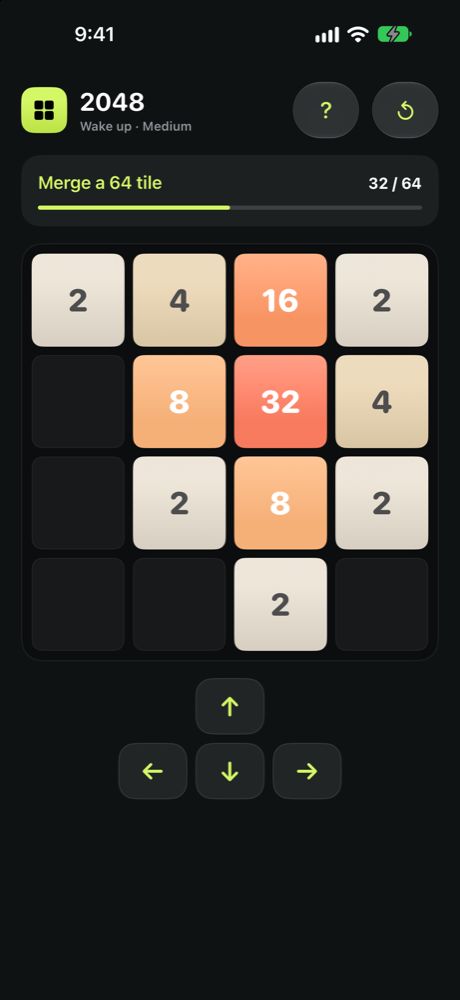
Choose how you wake up: three quick sums, a random phrase typed letter by letter, or a short round of 2048, Sudoku, Tetris, Snake and more. Every game has three difficulty levels and every puzzle board has exactly one clean solution.
Stop is only a snooze
Weik uses the iOS alarm system, so it rings on the Lock Screen at full volume even in silent mode. Pressing Stop brings it back a few seconds later. Only a finished challenge ends it.
Pick your wake-up
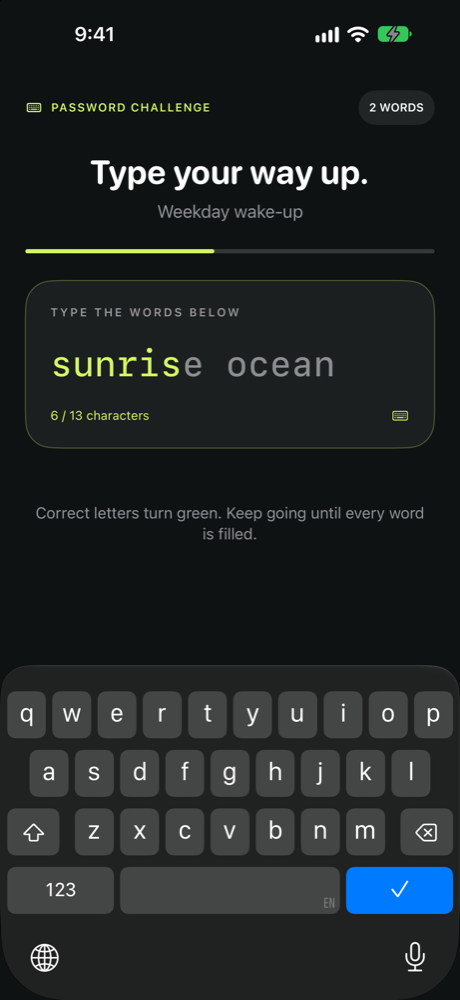
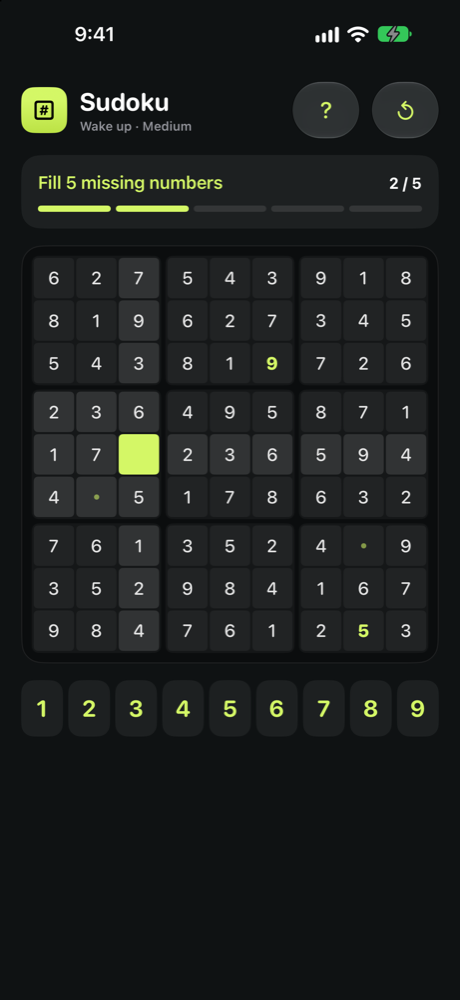
Math on a keypad built for half-open eyes, a random phrase with no autocorrect shortcuts, or ten original minigames with Easy, Medium and Hard goals.
Made for real mornings
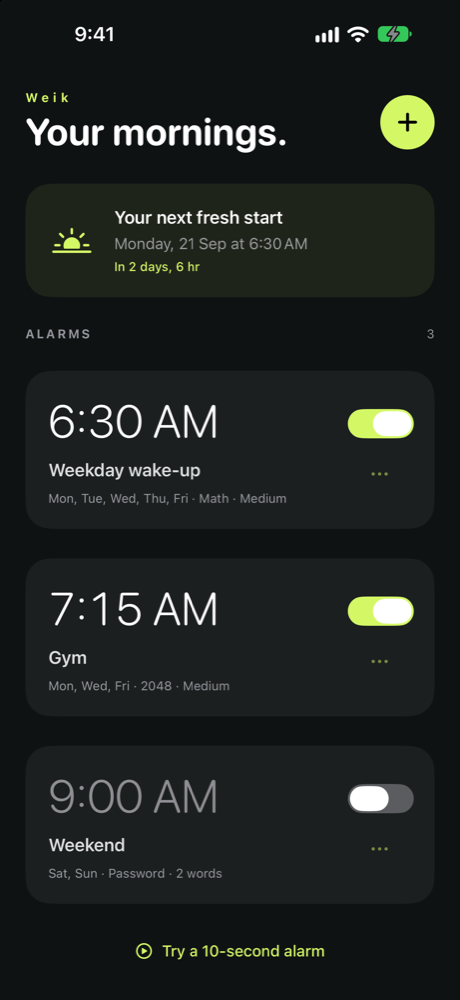
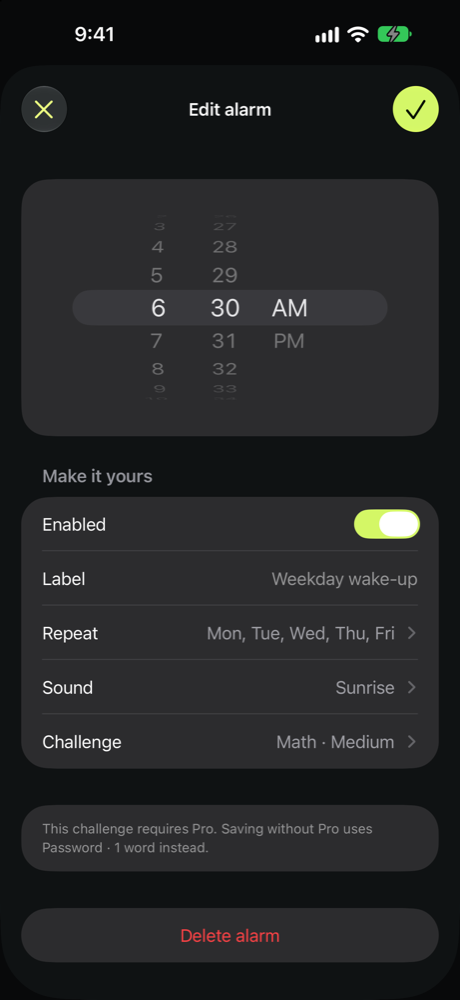
Repeat on any days of the week, name each alarm, choose a ringtone and preview it. Progress is saved mid-challenge, so leaving the app never resets you.
Always in view
A Home Screen and Lock Screen widget shows your next alarm with a live countdown, and tells you when one is waiting to be finished.
Private by design
No account, no tracking. Alarms and challenge progress stay on your device. Only anonymous crash reports leave it, so bugs can be fixed.
Try before you commit
Every challenge and difficulty can be practiced for free from the Challenge page. Practice never changes your alarm.
A look inside
Three steps to a real morning
- 1
Set a time
Name the alarm, pick the days it repeats, choose a ringtone and the challenge you want to face.
- 2
It rings until you’re up
Weik rings on the Lock Screen. Stop pauses it for a moment, then it comes right back.
- 3
Finish the challenge
Open the app from the alert, complete the challenge, and the alarm is done. Repeating alarms schedule themselves for the next day.
Twelve ways to wake up
Two are free forever. Weik Pro unlocks the rest. Every one of them can be practiced for free at any time.
| Challenge | What you do | Plan |
|---|---|---|
| Math3 quick sums, or 5 two-step problems on Hard | 3 quick sums, or 5 two-step problems on Hard | Pro |
| PasswordType 1 to 4 random words, letter by letter | Type 1 to 4 random words, letter by letter | Free |
| 2048Merge a 32, 64 or 128 tile | Merge a 32, 64 or 128 tile | Pro |
| Block BlastClear rows and columns with three-piece trays | Clear rows and columns with three-piece trays | Pro |
| SudokuFill the missing cells on a valid board | Fill the missing cells on a valid board | Pro |
| BreakoutBreak bricks from a 30-brick wall | Break bricks from a 30-brick wall | Pro |
| TetrisClear lines on a prepared board | Clear lines on a prepared board | Pro |
| Flappy BallFly an alarm clock through the pipes | Fly an alarm clock through the pipes | Pro |
| SnakeCollect apples without hitting the walls | Collect apples without hitting the walls | Pro |
| LinesMatch three colors in a row | Match three colors in a row | Pro |
| Tic-tac-toeFind the winning move on each board | Find the winning move on each board | Free |
| MinesweeperFlag the mines using the clues, no guessing | Flag the mines using the clues, no guessing | Pro |
Free and Pro
- Password (1 word) and Tic-tac-toe Easy are free to use as alarms, forever. Alarms, repeat days, ringtones and the widget never require a subscription.
- Weik Pro unlocks every other challenge and difficulty. Subscriptions are handled by Apple and can be managed or cancelled from your Apple account at any time.
Already scheduled alarms stay finishable with their original challenge if Pro lapses. Payment never interrupts a ringing alarm.
Good to know
Does it really keep ringing?
Yes, as long as iOS runs the Stop action. Pressing Stop schedules the same alarm again a few seconds later. Powering off the phone, force-quitting during the ring, or system paths that bypass the alert may not trigger it, so test your first alarm before you rely on it.
Will it wake me if my phone is on silent?
Yes. Weik uses the iOS alarm system, which plays alarms at full volume regardless of the silent switch.
What if I can’t finish the challenge?
Every challenge can be restarted with a new board, and losing a round never completes the alarm. Choose an easier level if a game is too much first thing in the morning.
Do I need an account?
No. Alarms and progress are stored on your device. Purchases are verified through Apple and RevenueCat using an anonymous identifier.
Weik, in writing
What the app does with your data, and the terms you agree to when you use it.